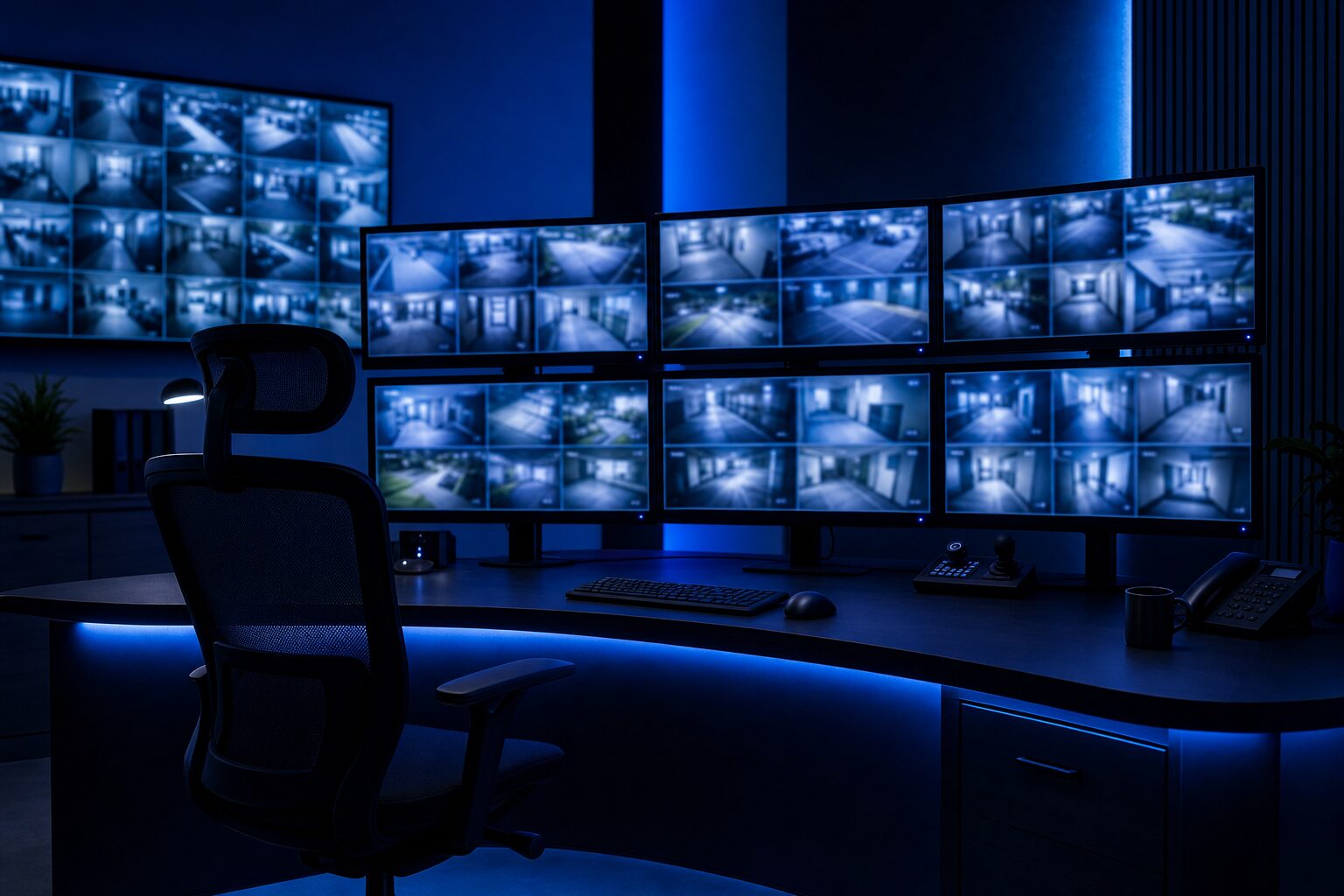
Step 1: Site Survey and Security Assessment
Every installation starts with a site survey. A security professional walks your property to identify vulnerable areas, entry points, and blind spots. They assess lighting, network infrastructure, and power availability.
For a retail store, this means checking entrances, registers, stockrooms, and parking. For a warehouse, it includes loading docks, perimeter fencing, and storage areas. For a construction site, it means covering equipment zones and access roads.
Step 2: Camera Placement Strategy
Camera placement is the most important factor in your system effectiveness. Key principles:
- Cover all entry points first: doors, windows, loading docks
- Watch high-traffic areas like registers, lobbies, and hallways
- Eliminate blind spots by overlapping camera coverage
- Mount cameras high enough to avoid tampering (8-10 feet)
- Consider lighting and add infrared or low-light cameras where needed
Step 3: Wiring and Infrastructure
Professional installations use clean, concealed wiring. For IP camera systems, this means running Cat5e or Cat6 cable from each camera to the NVR. For analog systems, it means coaxial cable.
In commercial buildings, wiring runs through drop ceilings, conduit, and walls. A professional installer labels every cable, uses proper cable management, and ensures your building stays looking clean.
Step 4: NVR or DVR Setup
Your recording system is the brain of your security setup. The NVR or DVR connects to all cameras and stores footage on hard drives. Your installer will:
- Configure recording schedules (continuous, motion-activated, or both)
- Set up storage retention (typically 30-90 days)
- Configure remote access so you can view feeds from your phone
- Set up user accounts and permissions
Step 5: Video Walls and Command Centers
For larger operations, a video wall lets you monitor multiple camera feeds simultaneously. This is common in warehouses, distribution centers, and large retail spaces. ClearCam builds custom video wall setups with multi-screen displays.
Step 6: Testing and Configuration
Before the installation is complete, every camera is tested for image quality, angle, and recording. Night vision is tested in low light. Remote access is verified on mobile devices. Motion detection zones are configured.
Step 7: Ongoing Maintenance
Security camera systems need periodic maintenance: lens cleaning, firmware updates, storage checks, and camera repositioning if your property changes. A professional installer can provide ongoing support.
Get Started Anywhere in Michigan
ClearCam Security handles commercial camera installation across Michigan, including Troy, Sterling Heights, Warren, and Detroit. Contact us for a free site assessment and quote.